The latest hotness seems to be a slickly bundled Local LLM offering from Unsloth that offers coding, chat, and image generation all from open-weight models downloaded for free. I gave it a try on both my son’s gaming PCs with their slightly outdated GPUs.
Windows 11 with an Nvidia RTX 3070ti
I tried installing Unsloth Desktop on another Windows 11 PC, this one with an Nvidia RTX 3070 Ti. The C: drive was already tight on space, and I couldn’t spare the many gigabytes the full Unsloth installation would require.
The installer didn’t offer a way to put Unsloth itself, its utilities, or its caches on another drive such as D:. Since I couldn’t redirect those files, I couldn’t proceed with the installation. That makes the app unusable for my setup, and a significant limitation for developers who keep applications and large data on separate drives.
Workarounds to install on D drive
I used a link from C: over to D: drive in order to fool the Unsloth installer into putting all its files on D:
New-Item -ItemType Directory -Path "D:\Program Files\Unsloth\dot_unsloth" -Force
New-Item -ItemType Directory -Path "D:\Program Files\Unsloth\hf_cache" -Force
[Environment]::SetEnvironmentVariable("HF_HOME", "D:\Program Files\Unsloth\hf_cache", "User")
cmd /c mklink /J "$env:USERPROFILE\.unsloth" "D:\Program Files\Unsloth\dot_unsloth"
This points the default install/cache path on C: drive over to my D: drive, then I can run the hard-coded installer and have it load onto D: drive.
Qwen Coder
Once installed on D: drive, I was able to load the qwen2.5-coder-7B-instruct-gguf model that fit well on my old 3070ti with just 8 GB of VRAM.
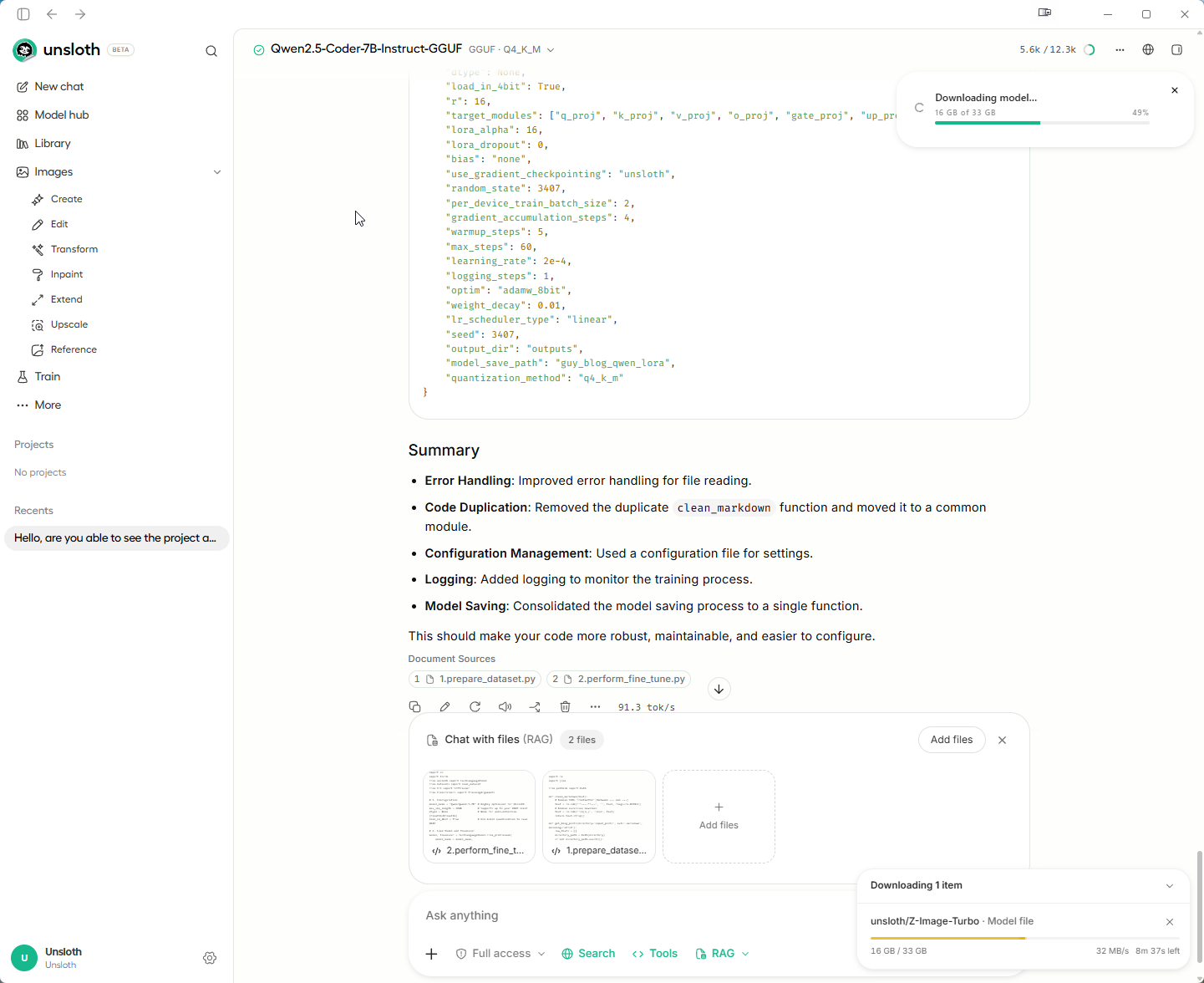
The interface was pretty underwhelming as I had to pick particular files for the model to look at before suggesting improvements. In all other tools like Claude Code, VS Code, Google Antigravity, etc one need only point the LLM to an entire directory structure.
Z Image Turbo
Moving onto image generation, tried out a prompt with the Z-Image Turbo model which seemed to actually use up all my system RAM (16 GB), grinding the computer as it swapped to pagefile.
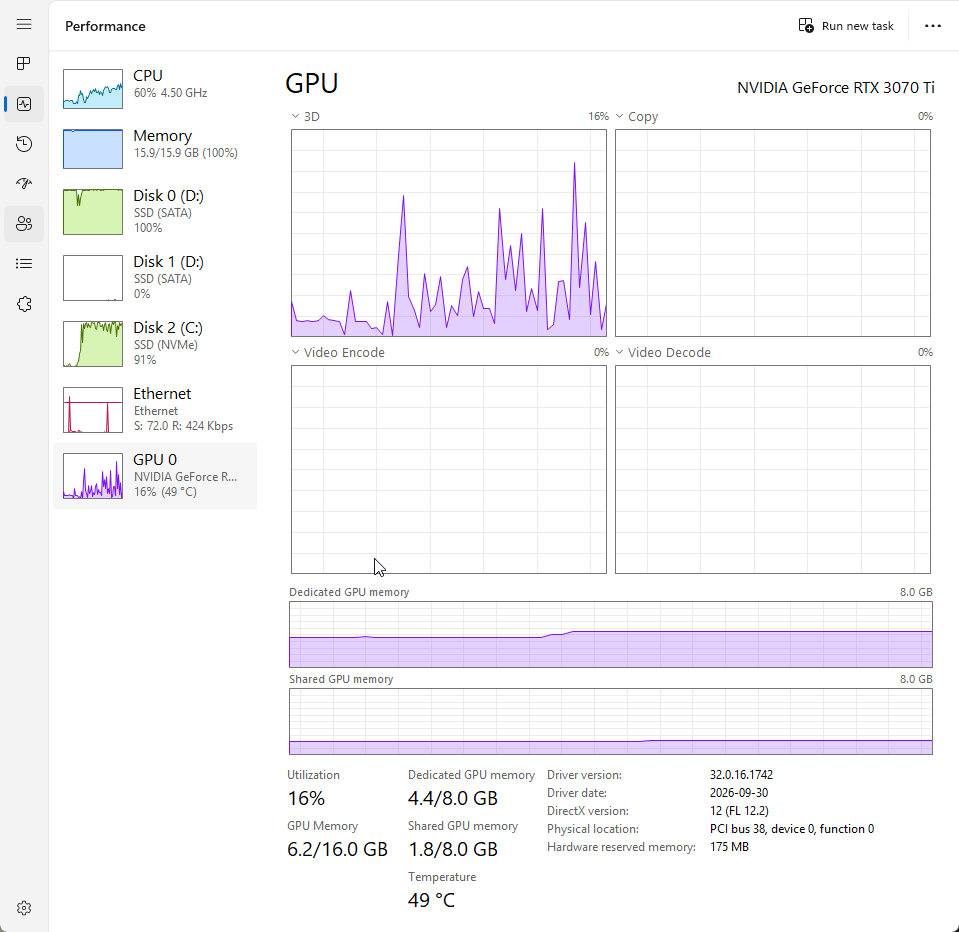
After a few minutes, the machine ground through it and generated the image seen here:
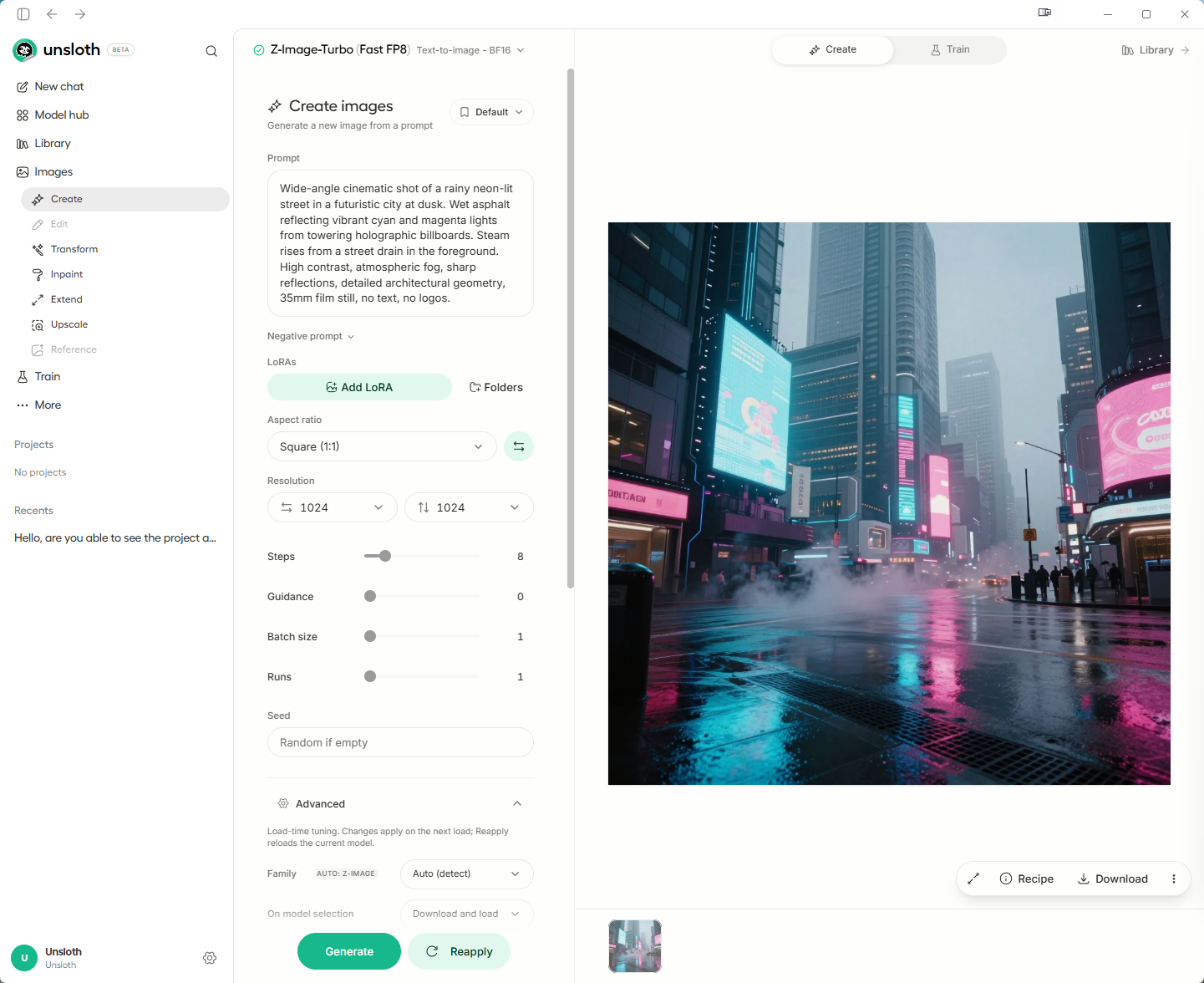
Overall, not bad but honestly I am underwhelmed with local LLM performance (minutes) versus seconds for the big online LLM providers.
Windows 11 with an AMD RX 6750xt
I also installed Unsloth Desktop on my Windows 11 PC with an AMD Radeon RX 6750 XT. The installation completed, but the app crashed whenever I tried to run a model. I wasn’t able to get any model running.
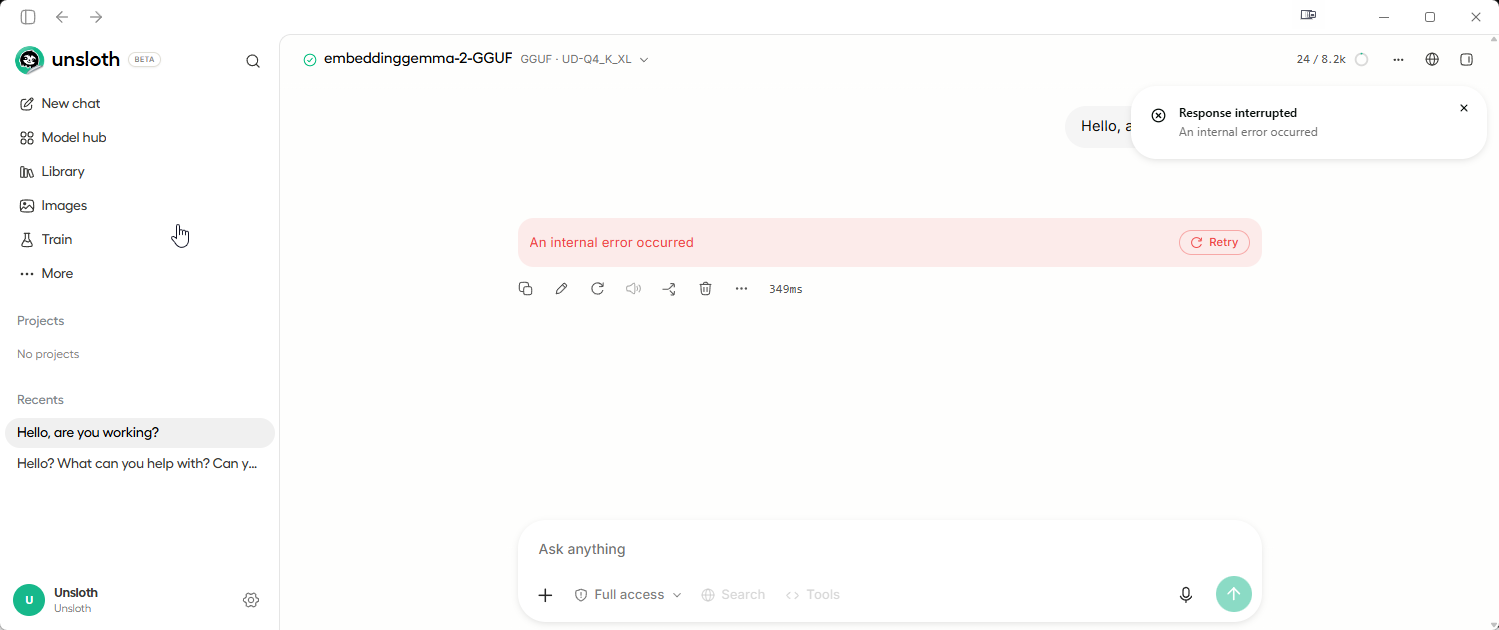
That left me unable to evaluate the app beyond installation. This was my experience on this particular AMD system; I haven’t established what caused the crashes, though the fault almost certainly lies with the extremely poor AMD support for running any AI tools on their older hardware.
Conclusions
Running Unsloth Desktop on the 3070ti GPU worked alright, resulting in some decent coding and image generation.
However, as I expected the old AMD card is only useful for playing games these days, with basically no AI tools supporting it due to AMD’s weak driver support.
More in this series…
- Ollama with AMD - Running local language models on AMD GPUs.
- ComfyUI on AMD - A working image generator for the AMD GPU.