Introduction
My son recently was hired as a Parliamentary Page for the Canadian House of Commons during his first year at the University of Ottawa, starting this September. As part of his duties, he’ll be delivering documents to MPs as requested, so he needs to know all the names of the Members of Parliament from their photo. I decided to create a mobile flashcard app to aid in his memorization.
Vibe-Coding a Mobile Flutter App in Dart
While I am a backend developer in my day job, I have built web frontends like Machinaris, a WebUI for Chia farming and plotting. I’ve also done some mobile app development in the past. However, I’ve never done any app development with the Dart programming language.
I decided to try out Google Antigravity to build this app. Using Gemini 3 to generate the code, I was able to build a prototype in a few hours. I picked up Dart quite quickly, but using Gemini Flash, I found I really didn’t need to code much at all. Rather, my role was reduced to that of customer, designer, and tester. I would quickly run the app on my old Windows laptop, and then provide feedback to Gemini to improve the app.
Initially, I slapped together a Flutter app that ran on Android and iPhone, but quickly realized that it would be easier if I just served up a mobile web app instead. Mainly because getting a niche application such as this listed in the Google and Apple app stores would be a significant challenge, involving developer fees, approval processes, and many official testers.
Pivoting to a Flutter Web App Instead
Thankfully, Flutter is a Dart framework that supports multiple platforms, including the web. So with a few changes, I was able to get my app running in a web browser for parliamentary and legislative pages to practice memorizing the names of their representatives. The initial results were promising.
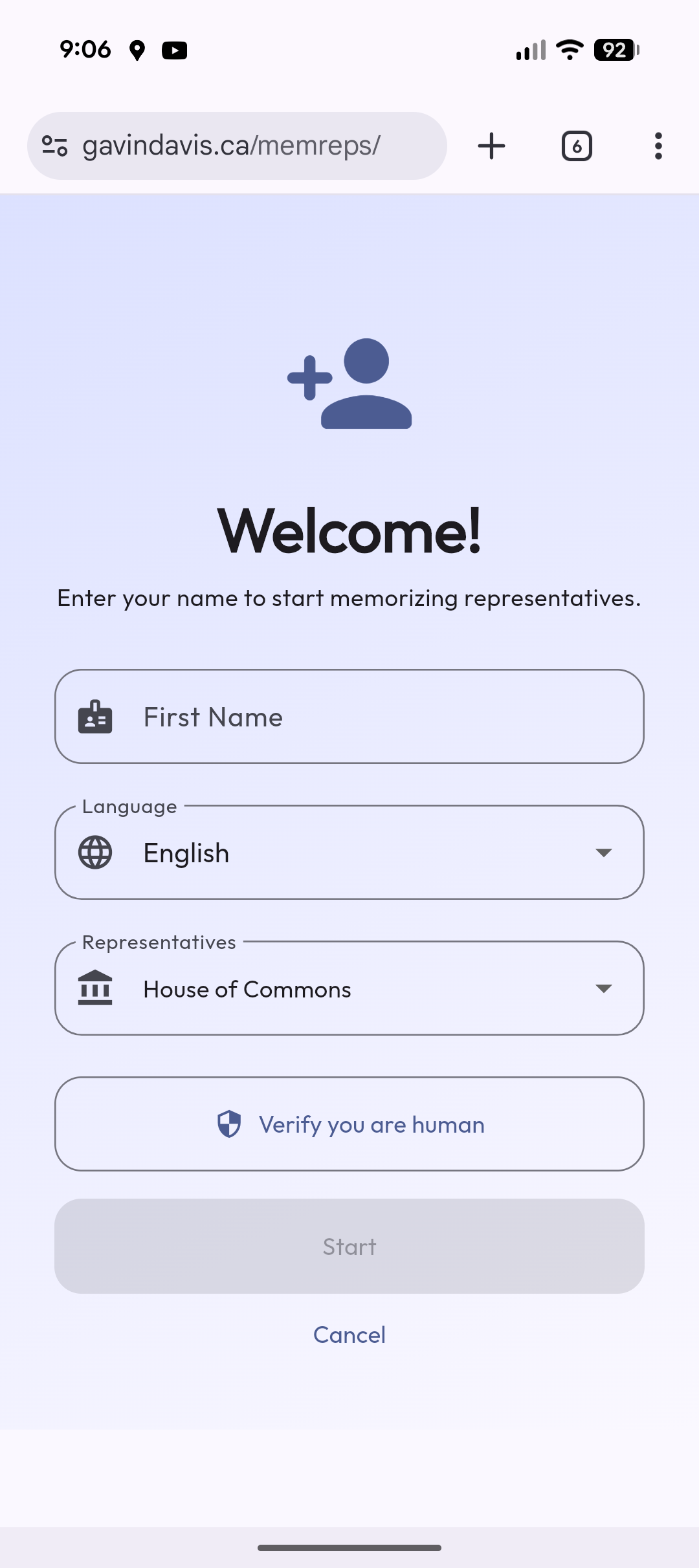
To start, a parliamentary page can enter their first name, choose app localization in either English or French (defaults to your browser’s language), and then select the Canadian legislative body they want to memorize the members of. In this case, I used the helpful online Represent API provided by the Open North organization.
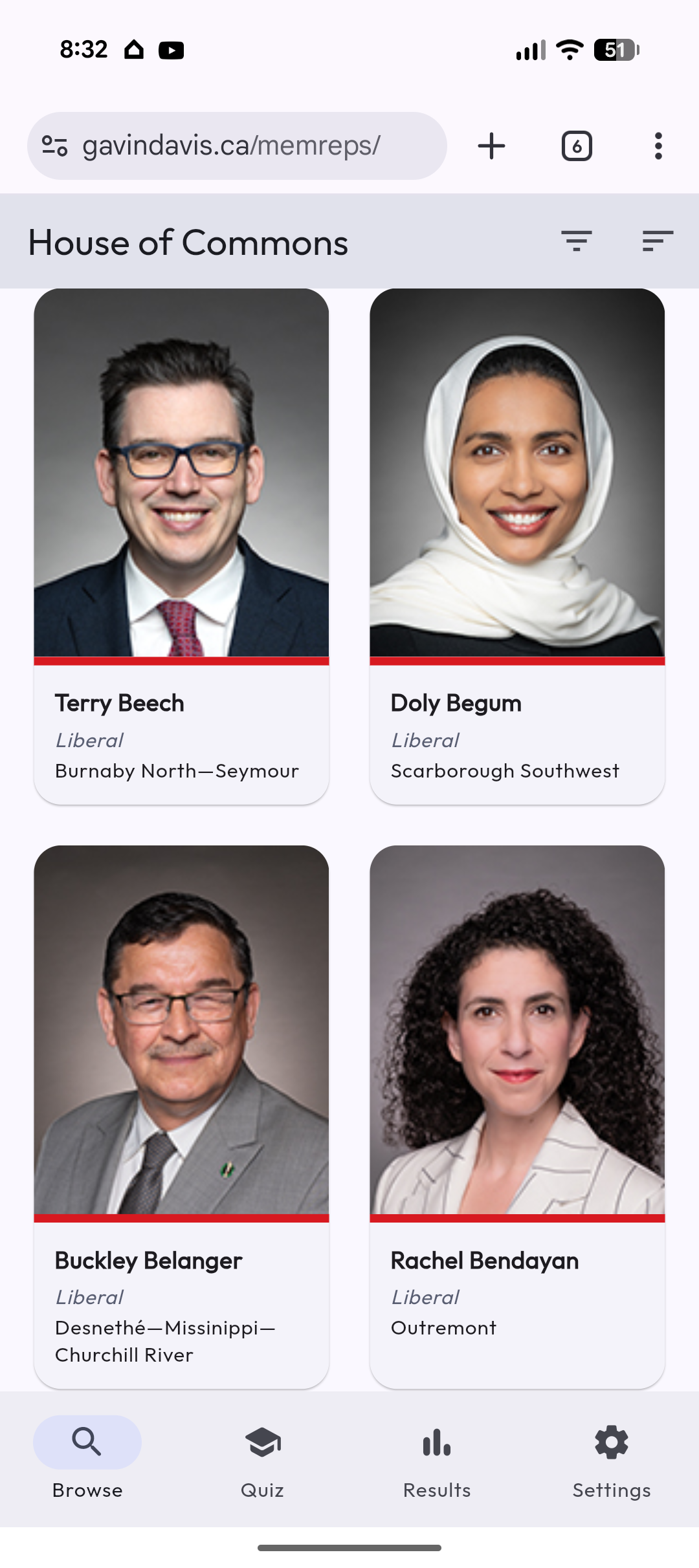
With all the recent by-elections, departures, and floor-crossings this past month though, I found the API was slightly out of date, so I added a post-API load enhancement that scraped the official legislative pages directly. This ensured the data was absolutely up to date.
- House of Commons
- Canadian Senate
- British Columba
- Alberta
- Saskatchewan
- Manitoba
- Ontario
- Québec
- New Brunswick
- Nova Scotia
- Newfoundland and Labrador
- Prince Edward Island
- Nunavut
- Northwest Territories
- Yukon
In fact, I added the Senate of Canada as OpenNorth didn’t even list it. This should be helpful as Senate Pages are also expected to know their 105 Senators.
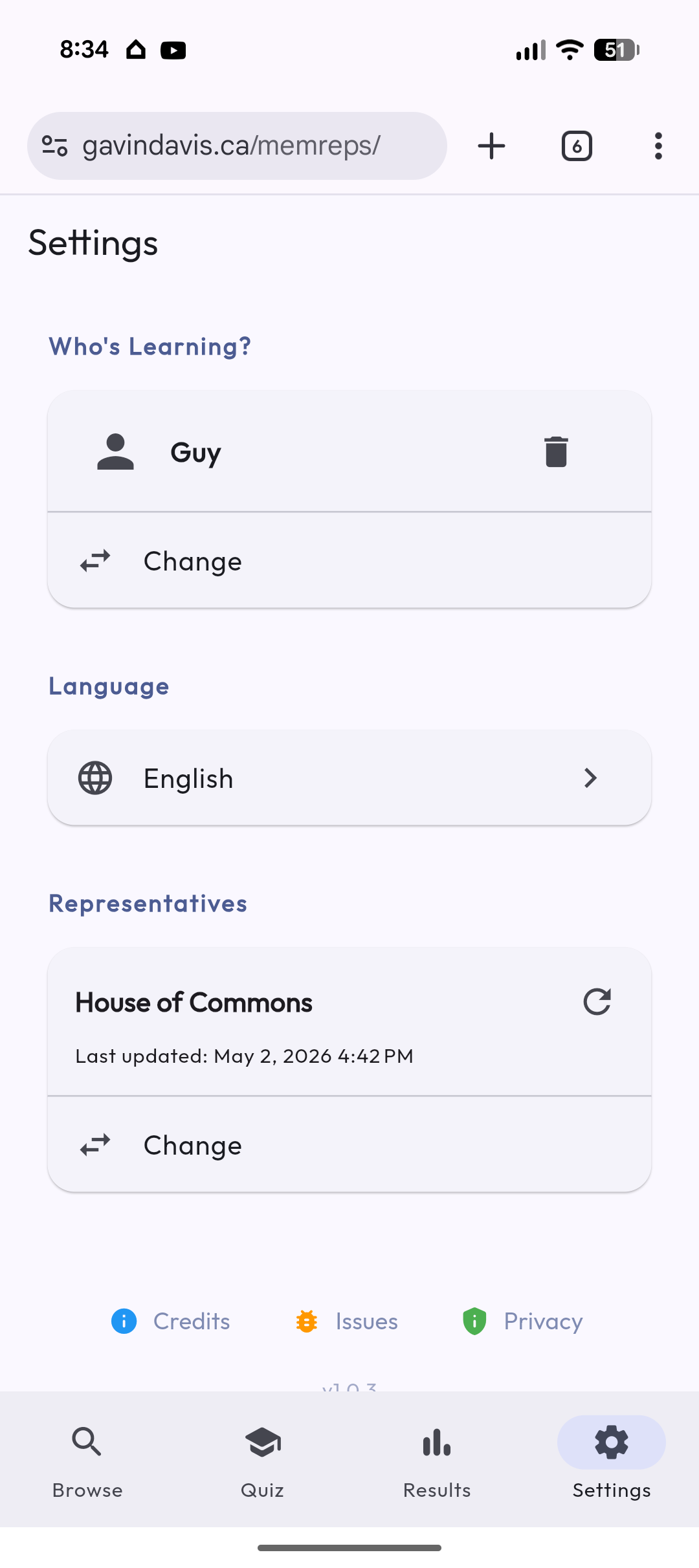
To aid memoriziation, the quizzes progress from easy to hard, eventually reaching the challenge for the parliamentary pages to correctly identify the last name of the current 343 Members of Parliament from their photo.
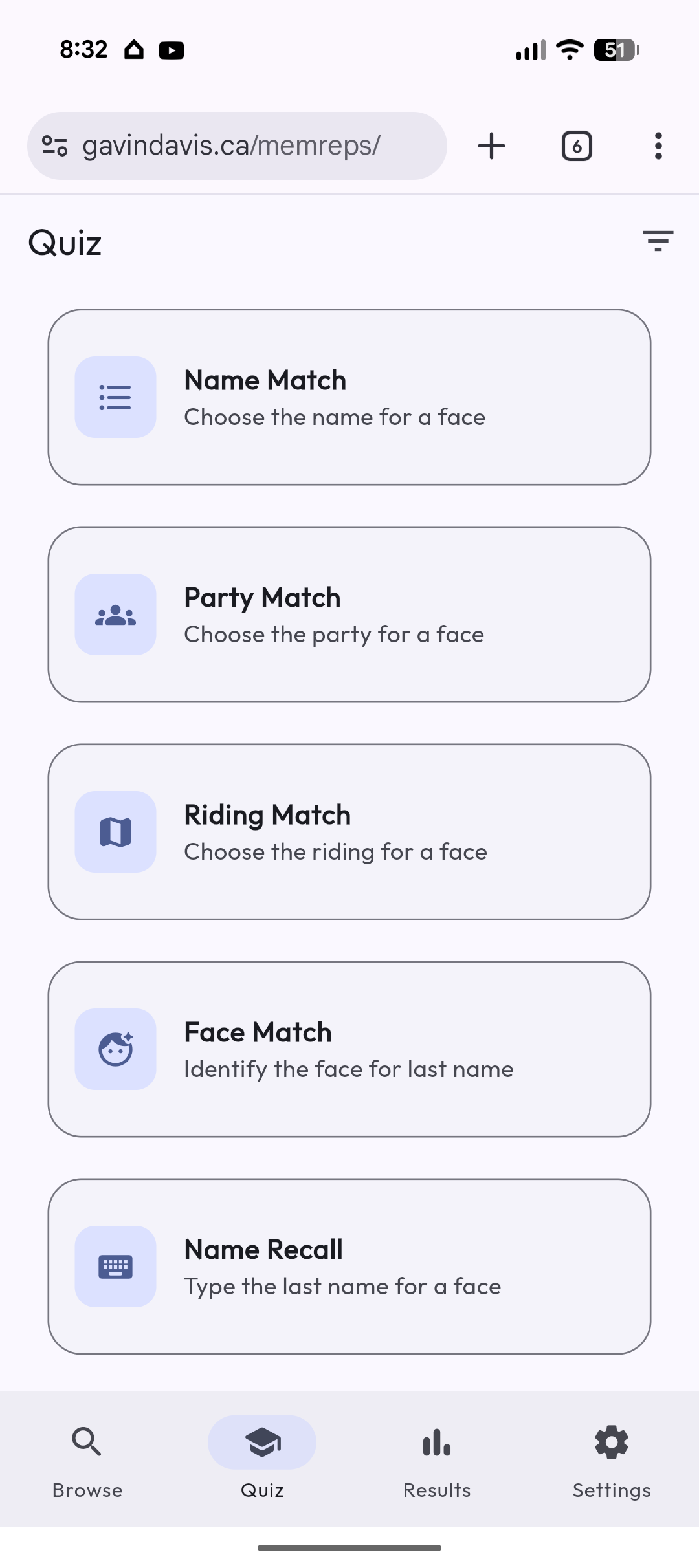
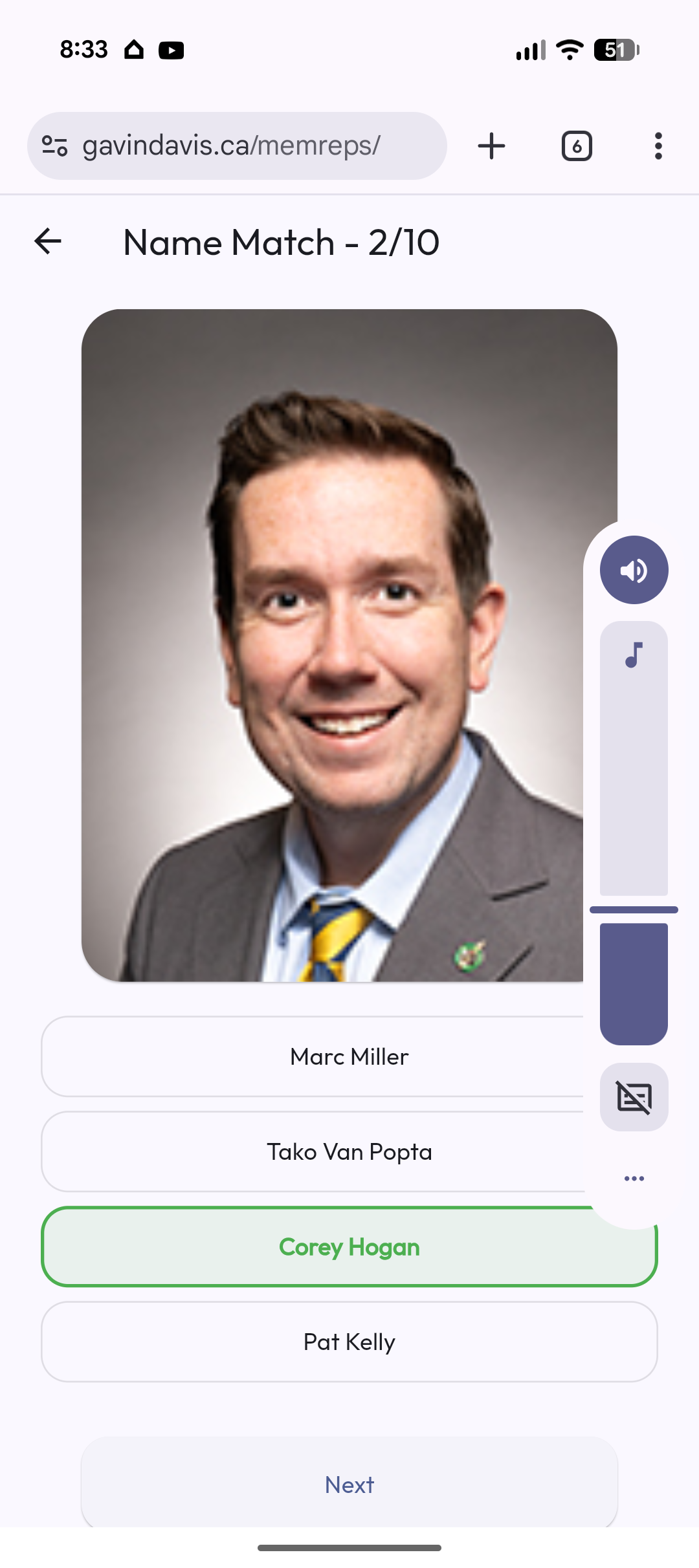
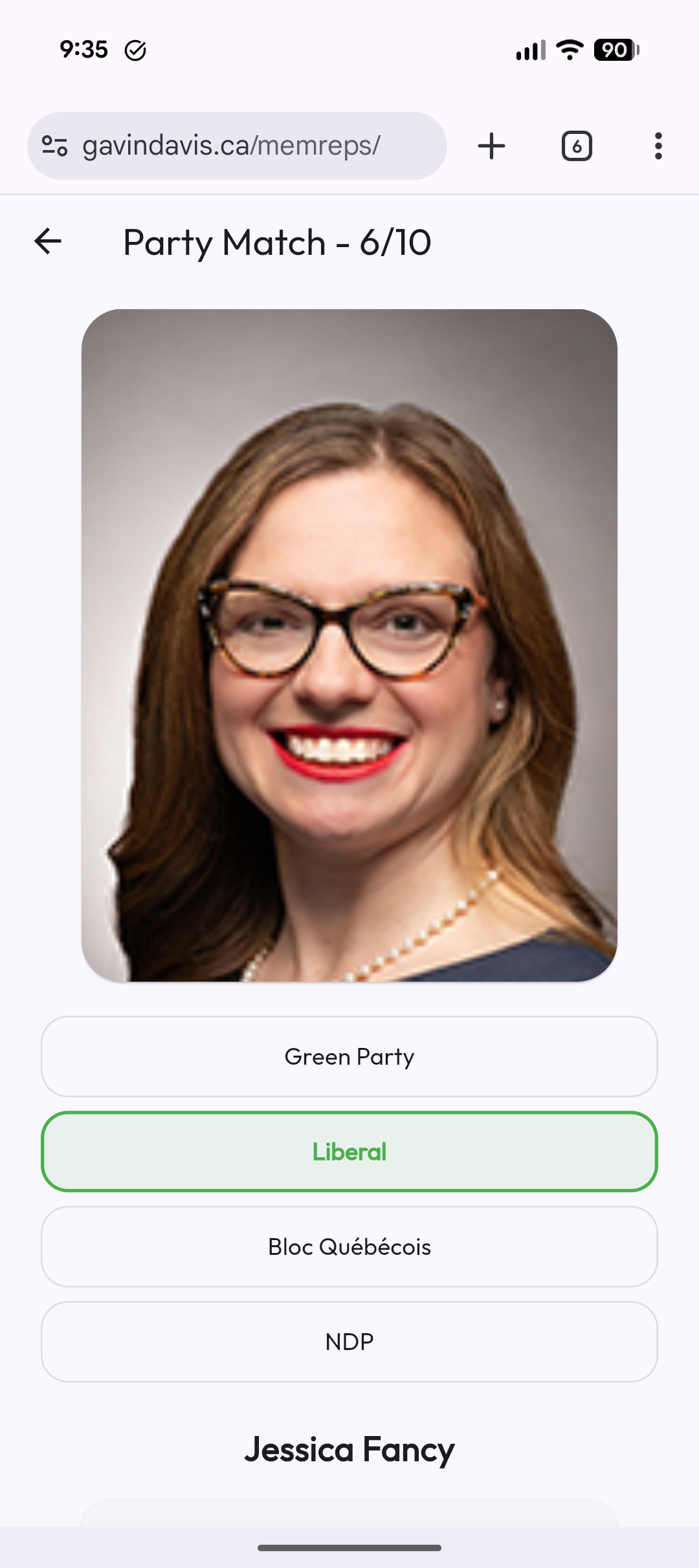
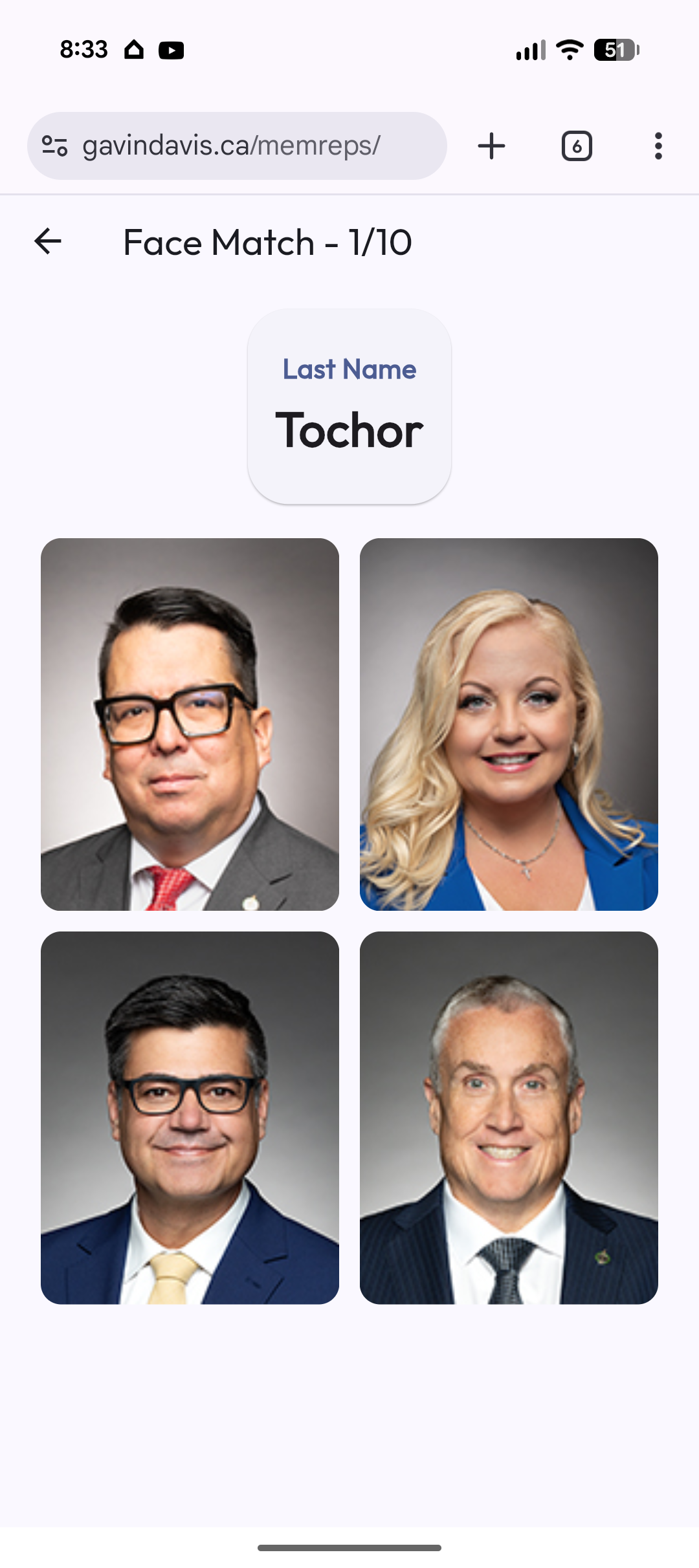
To speed the learning process, I adopted the Free Spaced Repetition Scheduler (FSRS) memorization algorithm to select the questions for review. This ensures that members you have previously incorrectly identified are shown more frequently in upcoming questions. Interestly, after testing this algorithm, I found that I needed to periodically alternate back to random-selection mode to avoid getting stuck in a rut with only a few of the members. With over 300 faces to memorize, the app needs to balance between showing fresh faces and reinforcing weakly remembered ones.
Adding a Backend
Using Firebase as a backend, I was able to add a few more features to the app, including a global leaderboard to let users compare their progress with others.
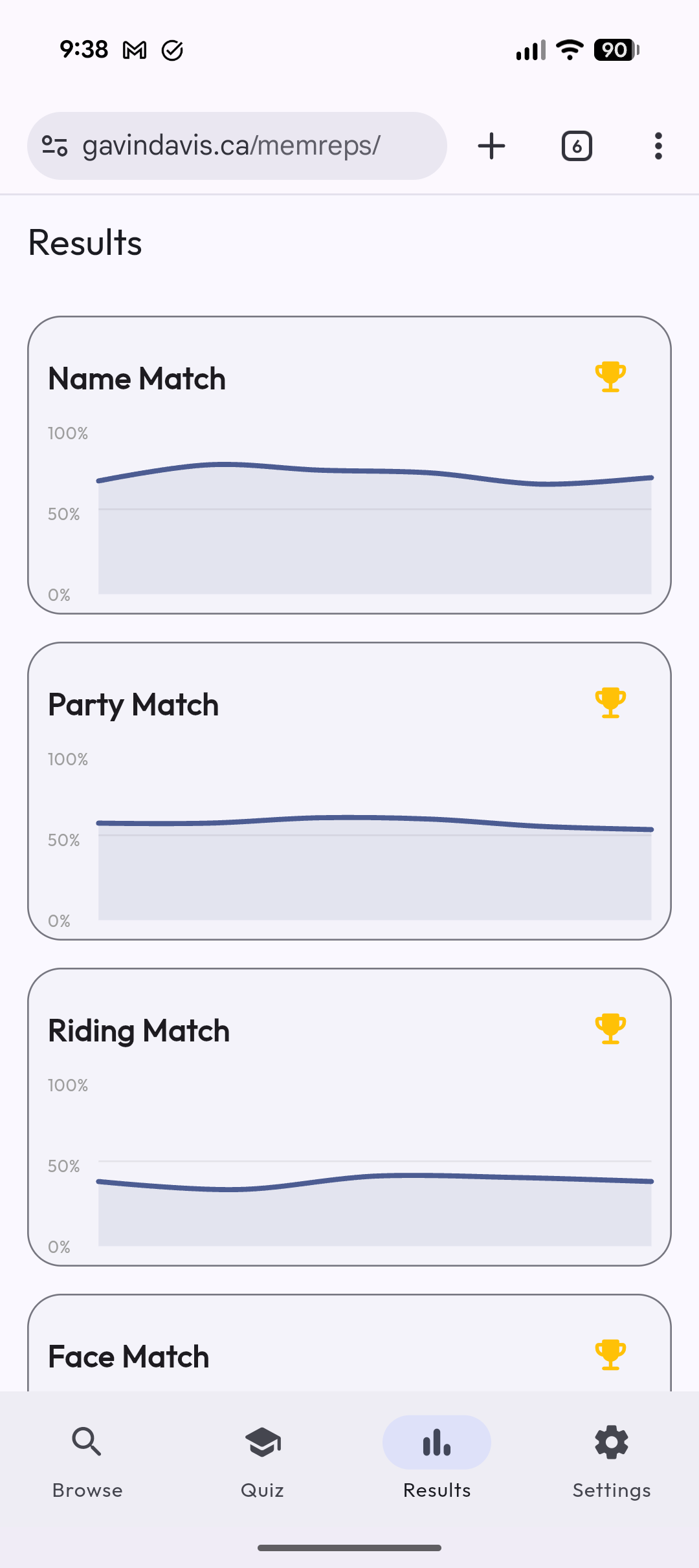
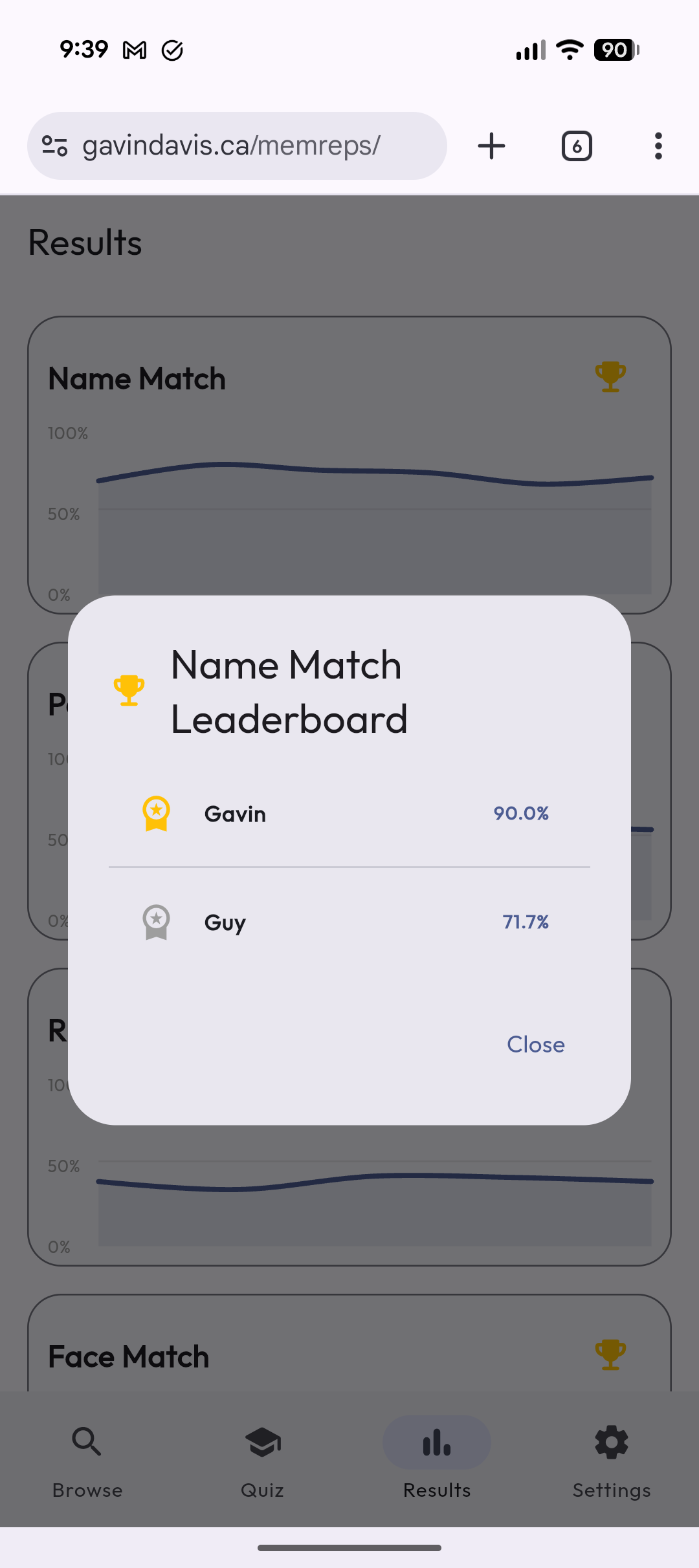
Quiz results are held in Firestore:
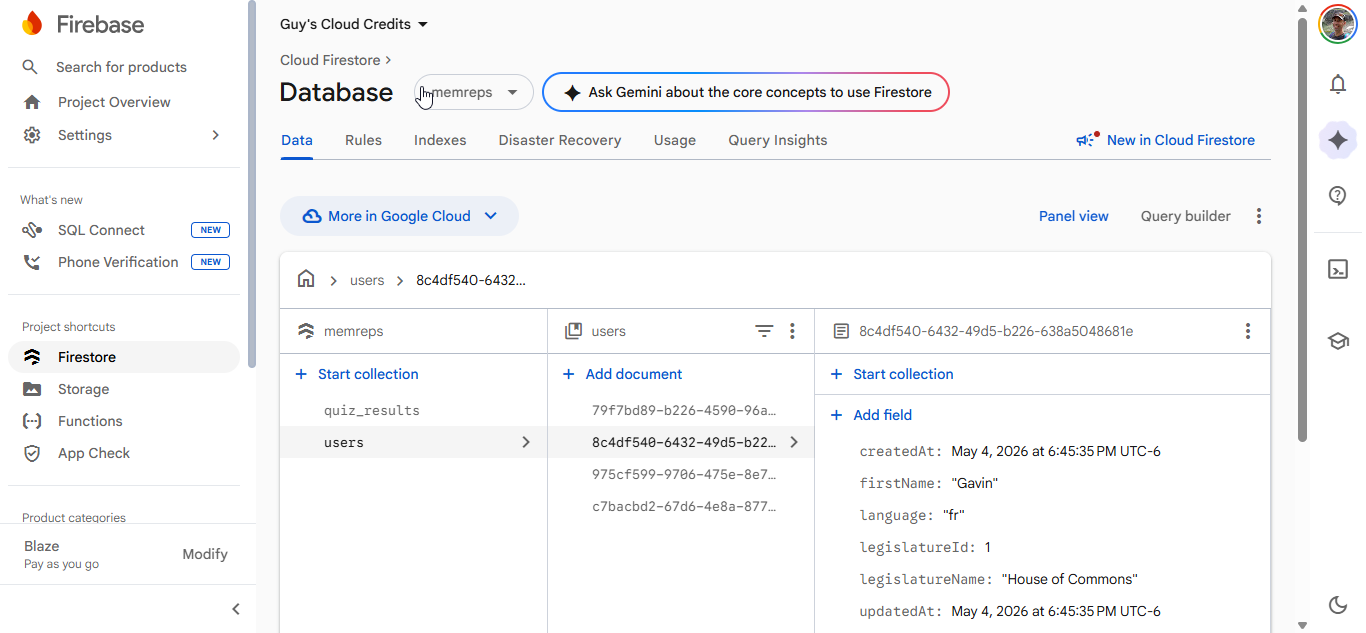
Other Firebase functions included image and data proxying. As well, the backend provides reCaptcha protection against bots flooding the system.
Conclusion
I was pretty happy with the MemoReps flashcard app. It was a fun project and I learned a lot about Flutter and programming in Dart. Kind of astounding how fast one can throw together a functional app with current AI tools. It’s quite clear that the role of the software developer has moved onto managing and directing AI, rather than actually writing the code. I’m looking forward to seeing what else AI can do.
More in this series…
- Google Gemini Studying - Generating quizzes for school.